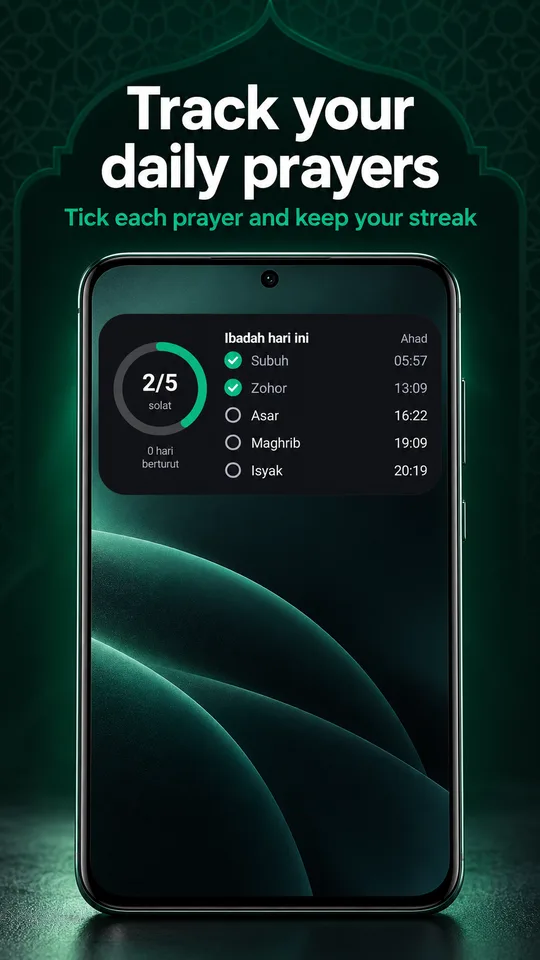
Prayer tracker
Mark each prayer, keep your streak, see statistics and a calendar.
 SolatTime
Download
SolatTime
Download
Malaysia · Indonesia · Singapore · worldwide
One app for many countries. Made for travellers.
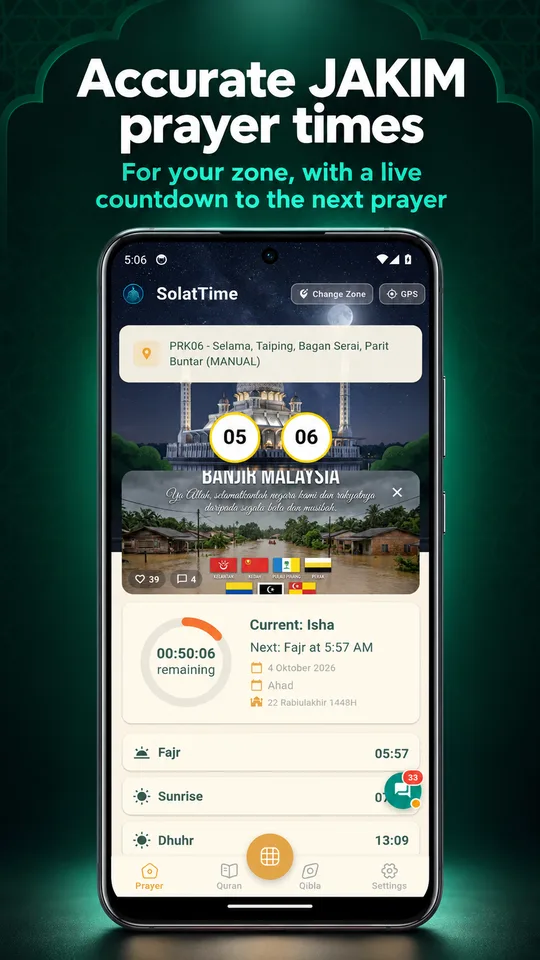
SolatTime switches to the official times of the country you are in: JAKIM in Malaysia, Kemenag in Indonesia, MUIS in Singapore and 13 international methods everywhere else. The azan plays even when the app is closed.
For travellers
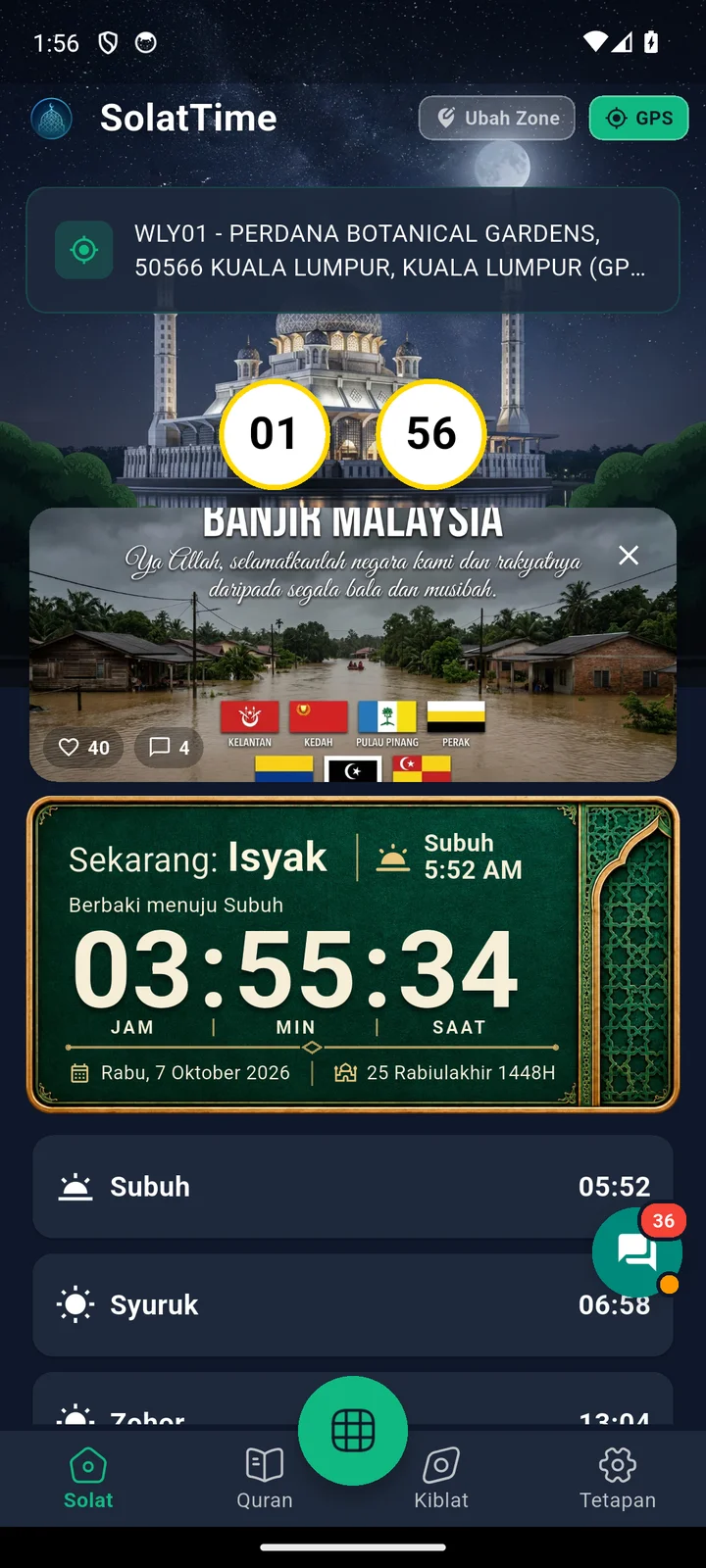
No need to switch apps every time you go abroad. SolatTime knows where you are and uses the right schedule for that place.
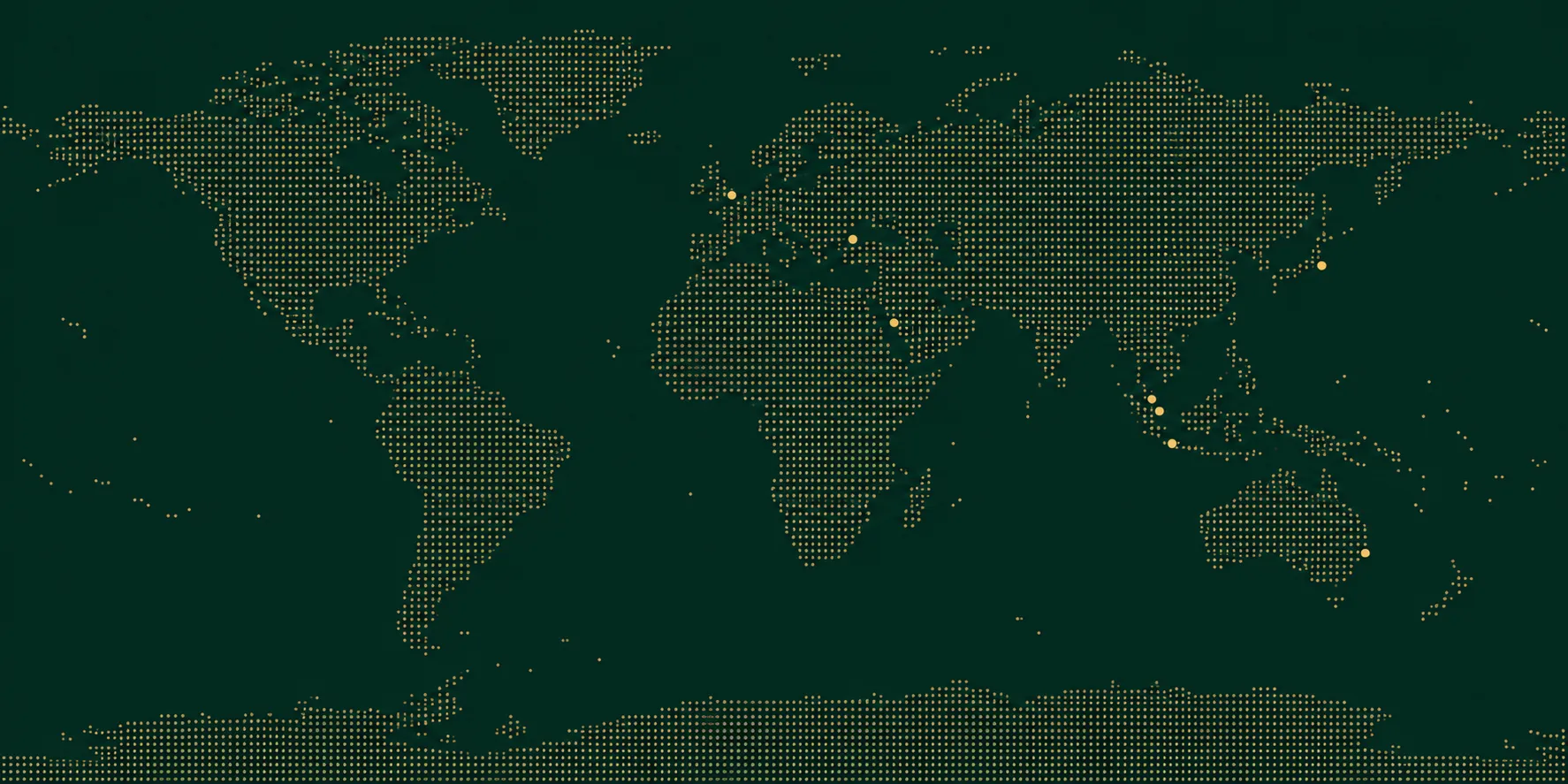 Kuala Lumpur
Jakarta
Singapore
Bandar Seri Begawan
Makkah
London
Kuala Lumpur
Jakarta
Singapore
Bandar Seri Begawan
Makkah
London
| City | Fajr | Dhuhr | Asr | Maghrib | Isha | Next |
|---|---|---|---|---|---|---|
| Kuala LumpurJAKIM | 05:51 | 13:02 | 16:18 | 19:03 | 20:12 | |
| JakartaKemenag | 04:17 | 11:42 | 14:46 | 17:49 | 18:58 | |
| SingaporeMUIS | 05:31 | 12:52 | 16:06 | 18:54 | 20:03 | |
| Bandar Seri BegawanMORA Brunei | 04:48 | 12:08 | 15:24 | 18:07 | 19:17 | |
| MakkahUmm al-Qura | 04:59 | 12:07 | 15:28 | 17:58 | 19:28 | |
| LondonMuslim World League | 05:30 | 12:48 | 15:35 | 18:12 | 19:56 |
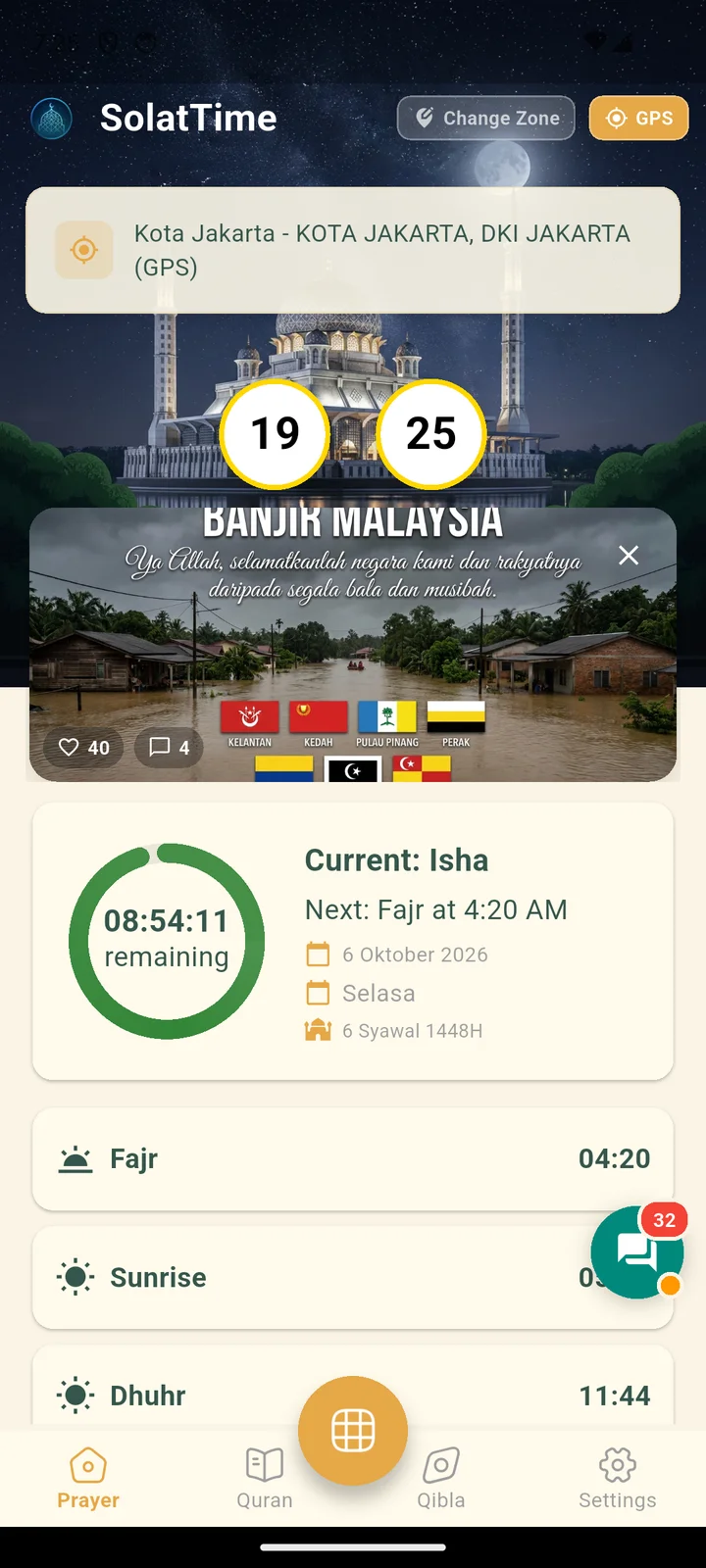

When you move, your prayer zone updates itself in the background.
Right before the azan, the app checks your location again, so you never hear the azan for the city you just left.
On a plane or without data, prayer times and the azan keep working.
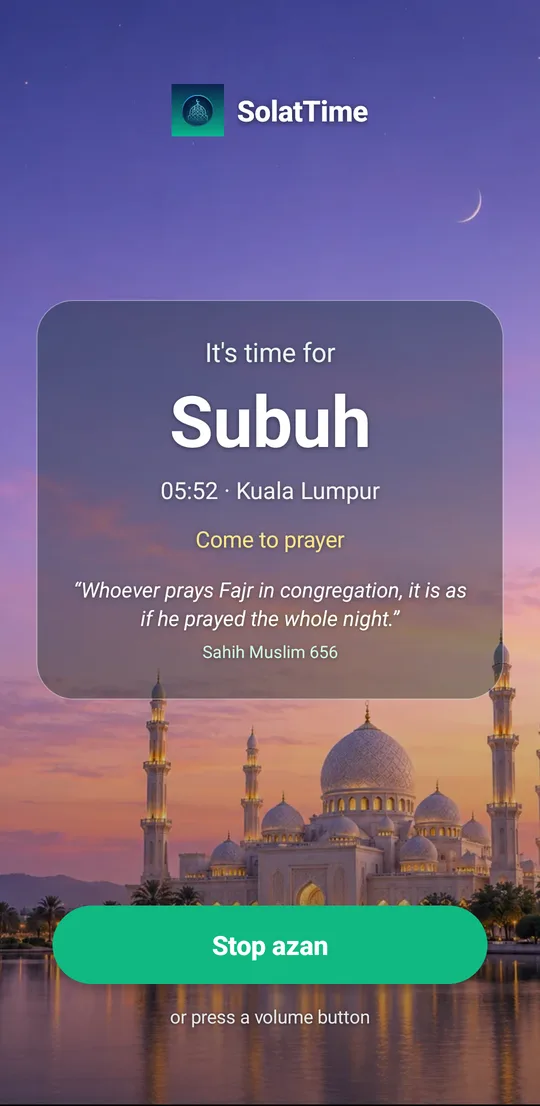
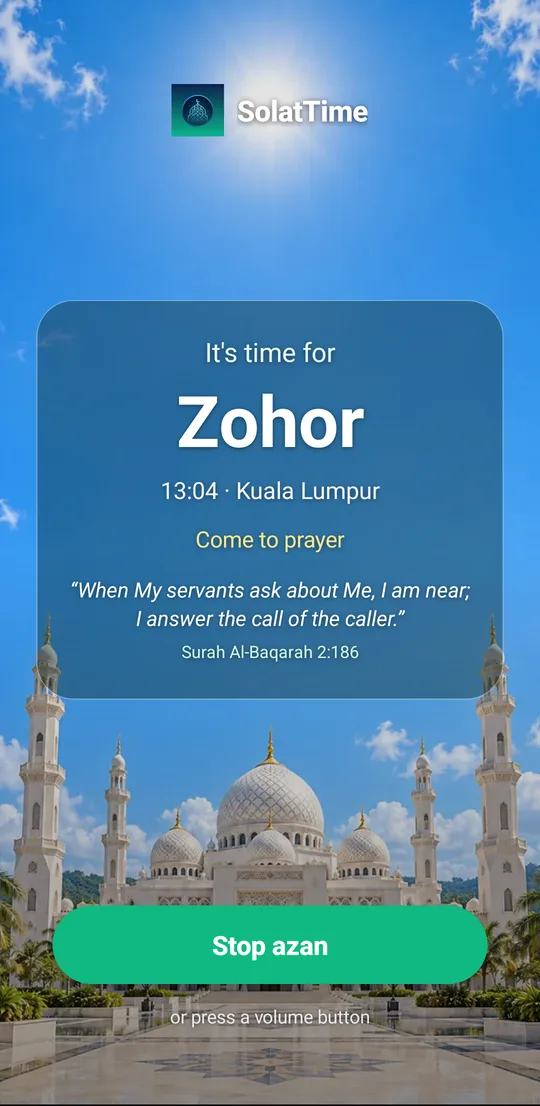
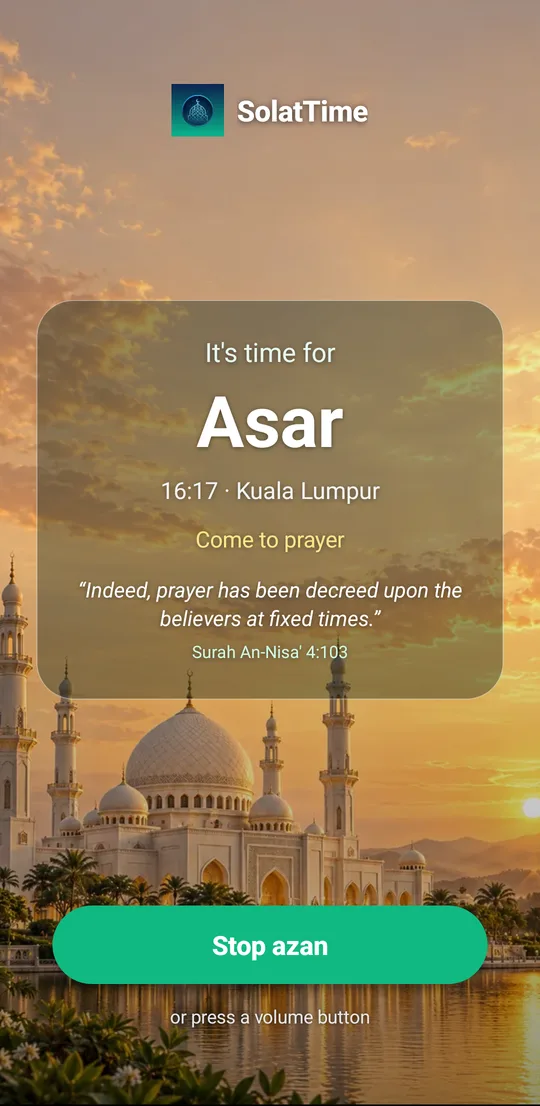
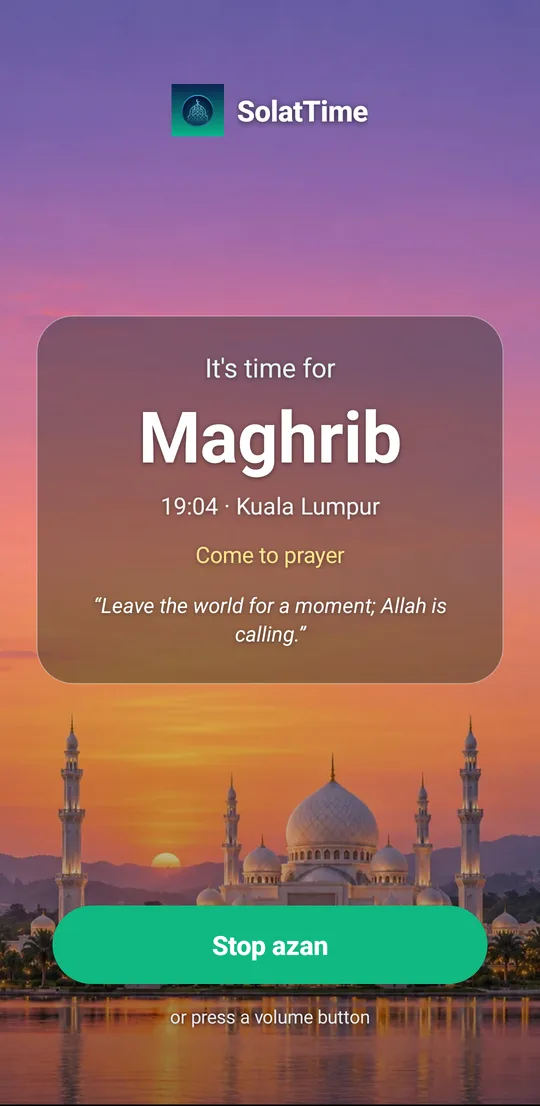
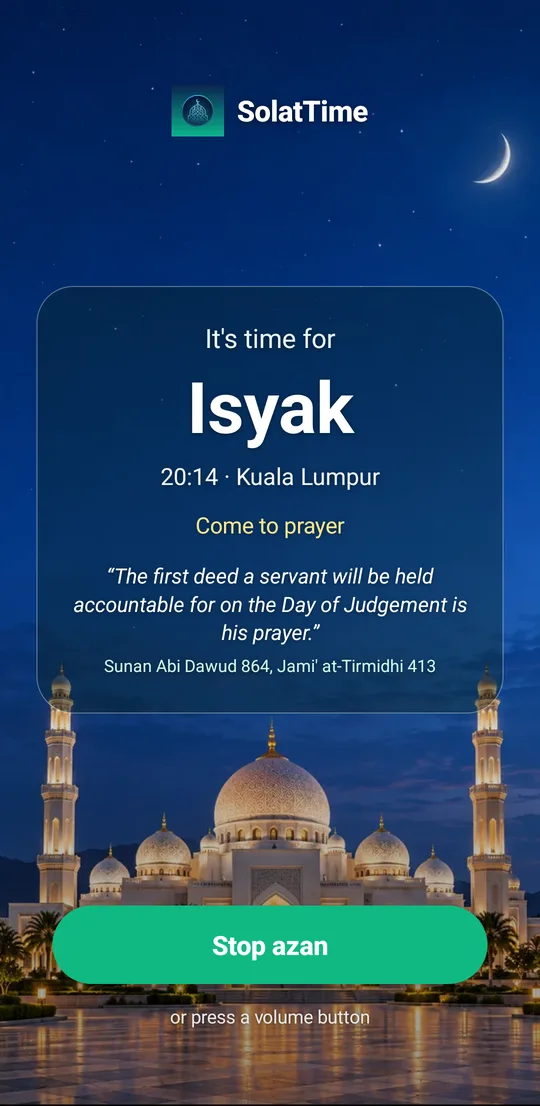
Azan
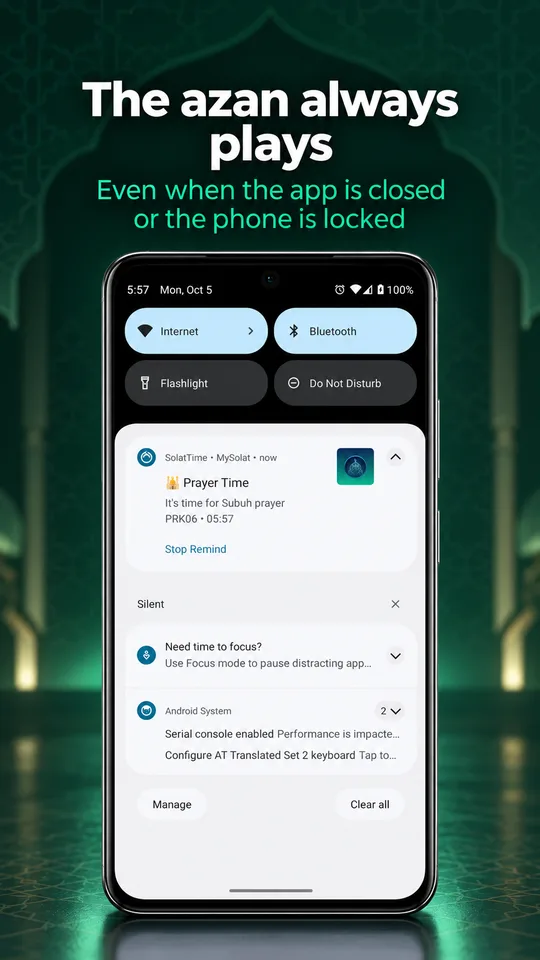
Every prayer has its own sky and mosque, with rotating Quran verses, hadith and advice. One big button stops the azan.
Sound: Adzan Malaysia, the azan built into the app. The phone shows the real app screen.
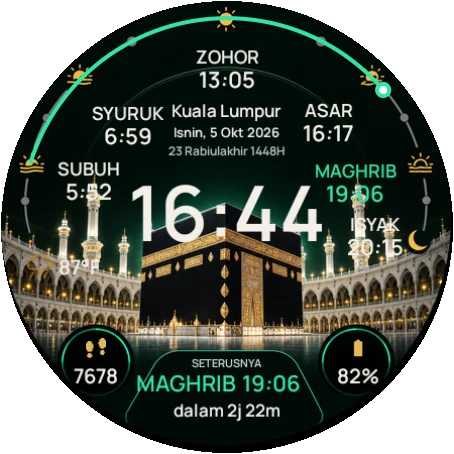
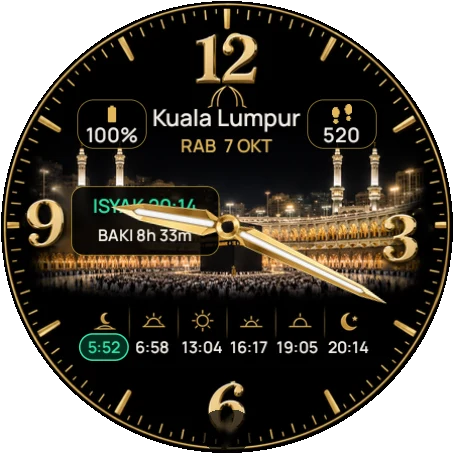
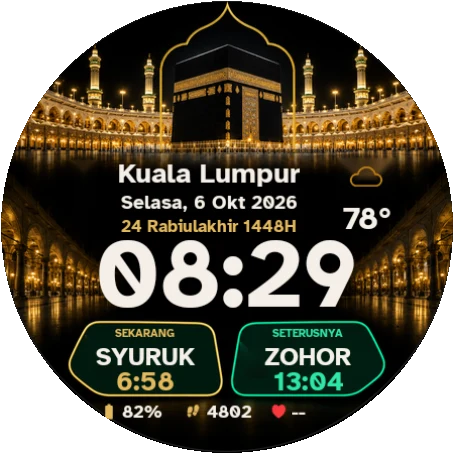
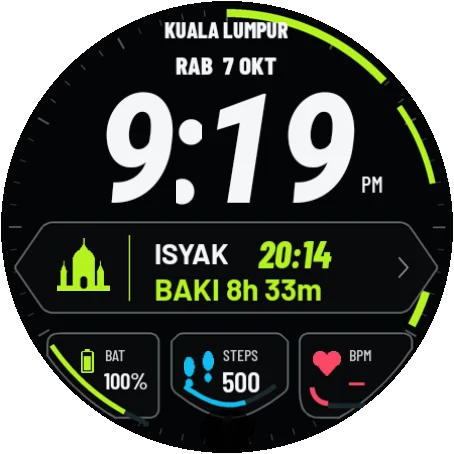
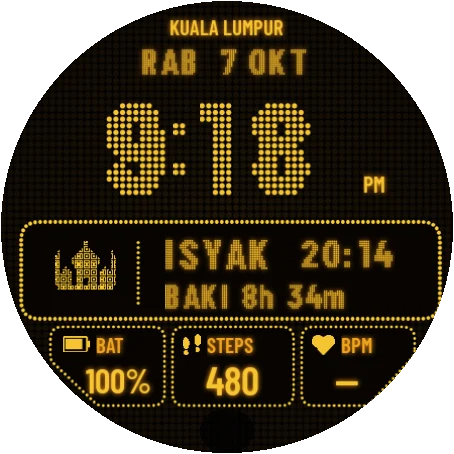
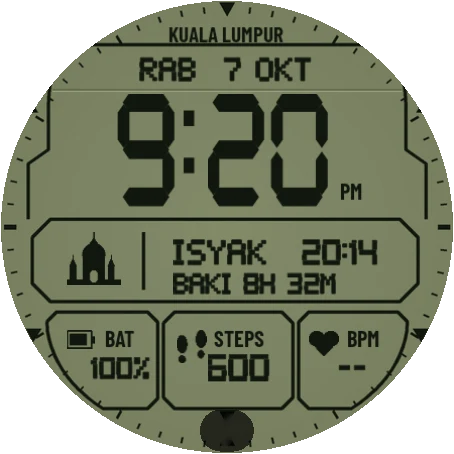
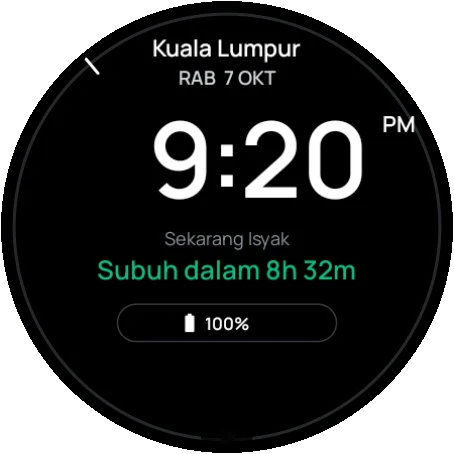
Wear OS · our strength
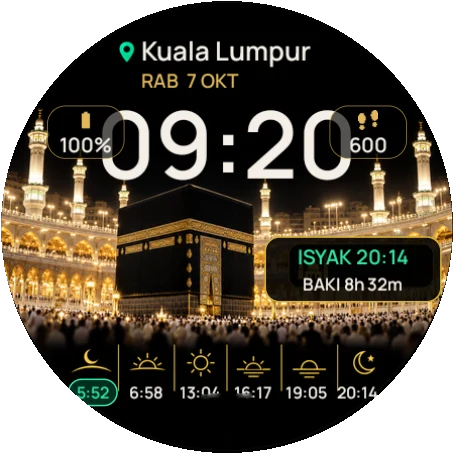
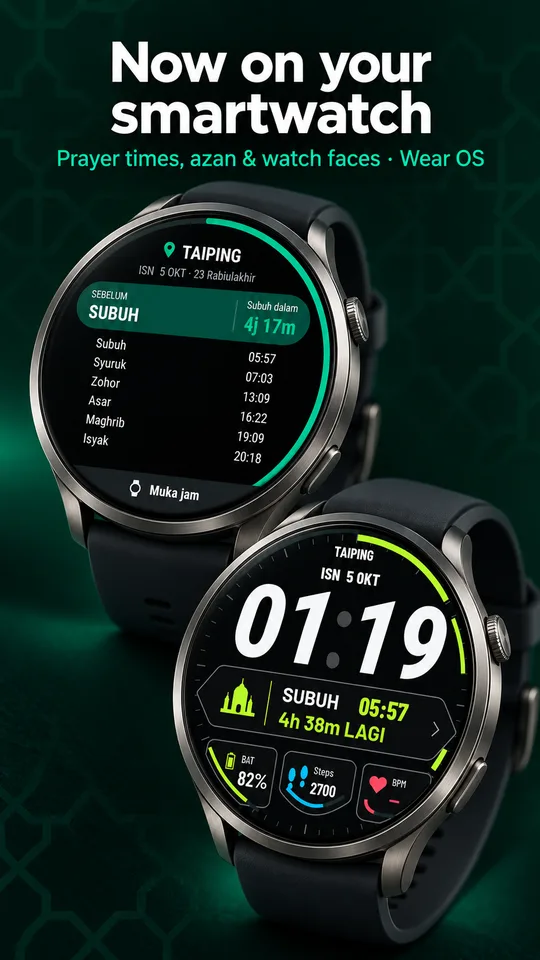
SolatTime has its own app and watch faces for Wear OS smartwatches. Prayer times, a countdown to the next prayer and an azan vibration right on the watch, even when the phone is in your bag.
Basic face is free
Free. Once installed, the watch works on its own even without the phone.
 Step 1
Open SolatTime in the Play Store on your phone. Tap the ▾ arrow next to Install and choose your watch. Or search "SolatTime" in the Play Store on the watch.
 Step 2
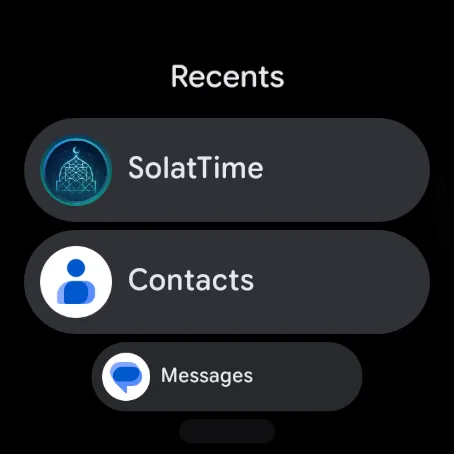
Press the side button and pick SolatTime from the app list.
 Step 3
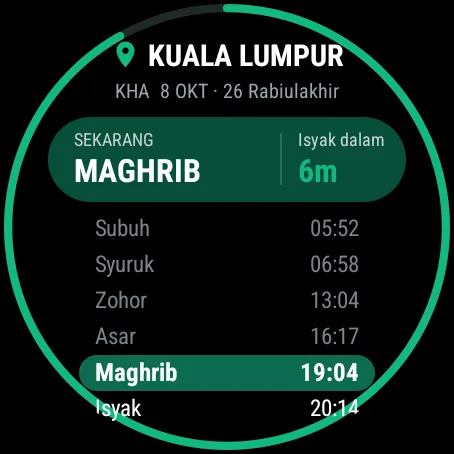
Your zone is detected automatically. Scroll down for Watch faces and Settings.
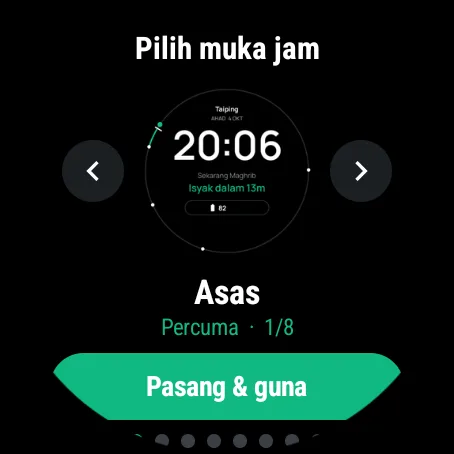 Step 4
Tap Watch faces, swipe left or right and tap Install & use. The Basic face is free.
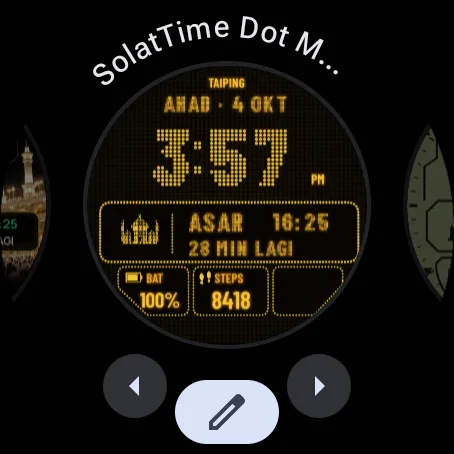
To switch faces any time: long-press the watch screen, swipe and pick a SolatTime face.
Wear OS 4 or 5 watch? You can still put prayer times on your own watch face: long-press the face, tap the pencil icon, choose a slot and pick SolatTime · Akan datang (next prayer). SolatTime watch faces need Wear OS 6.
Quran · new
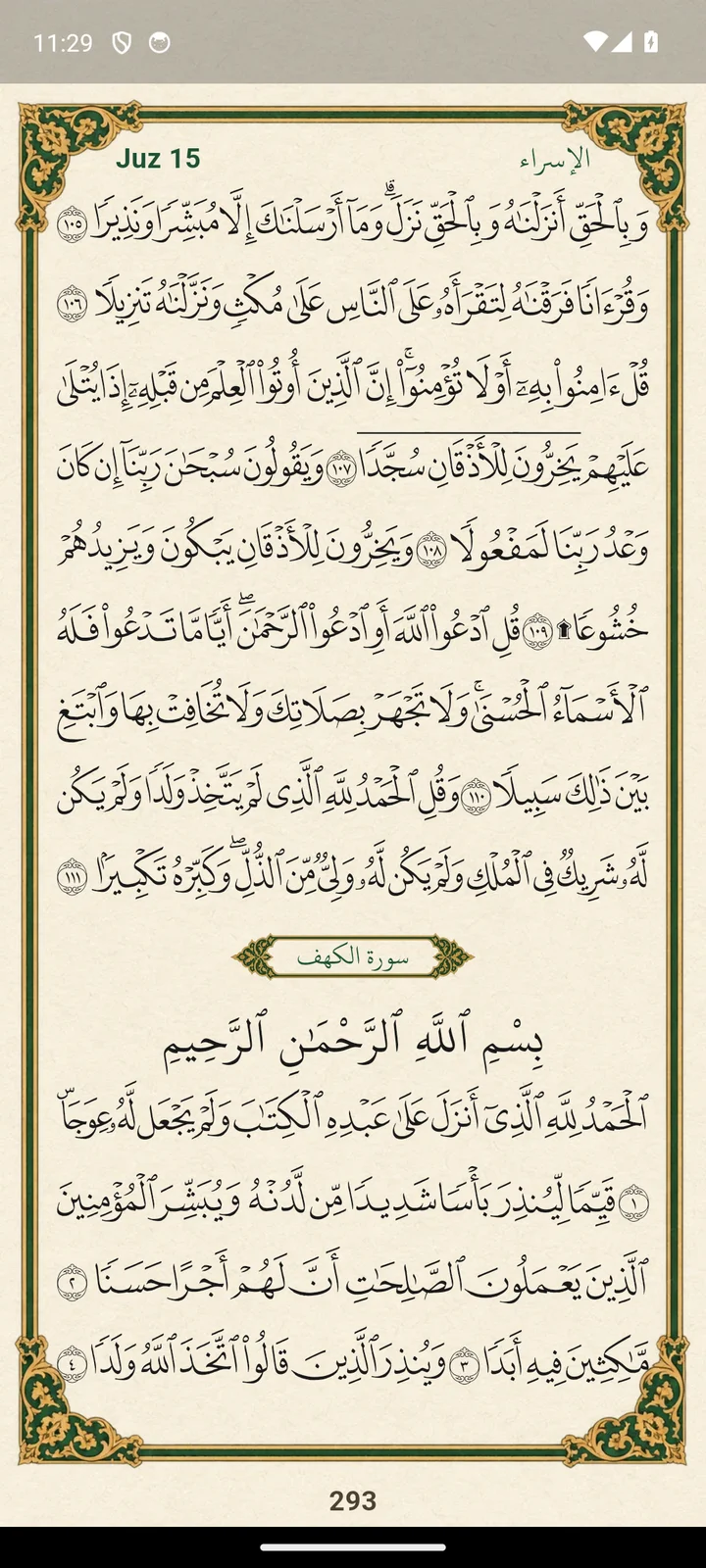
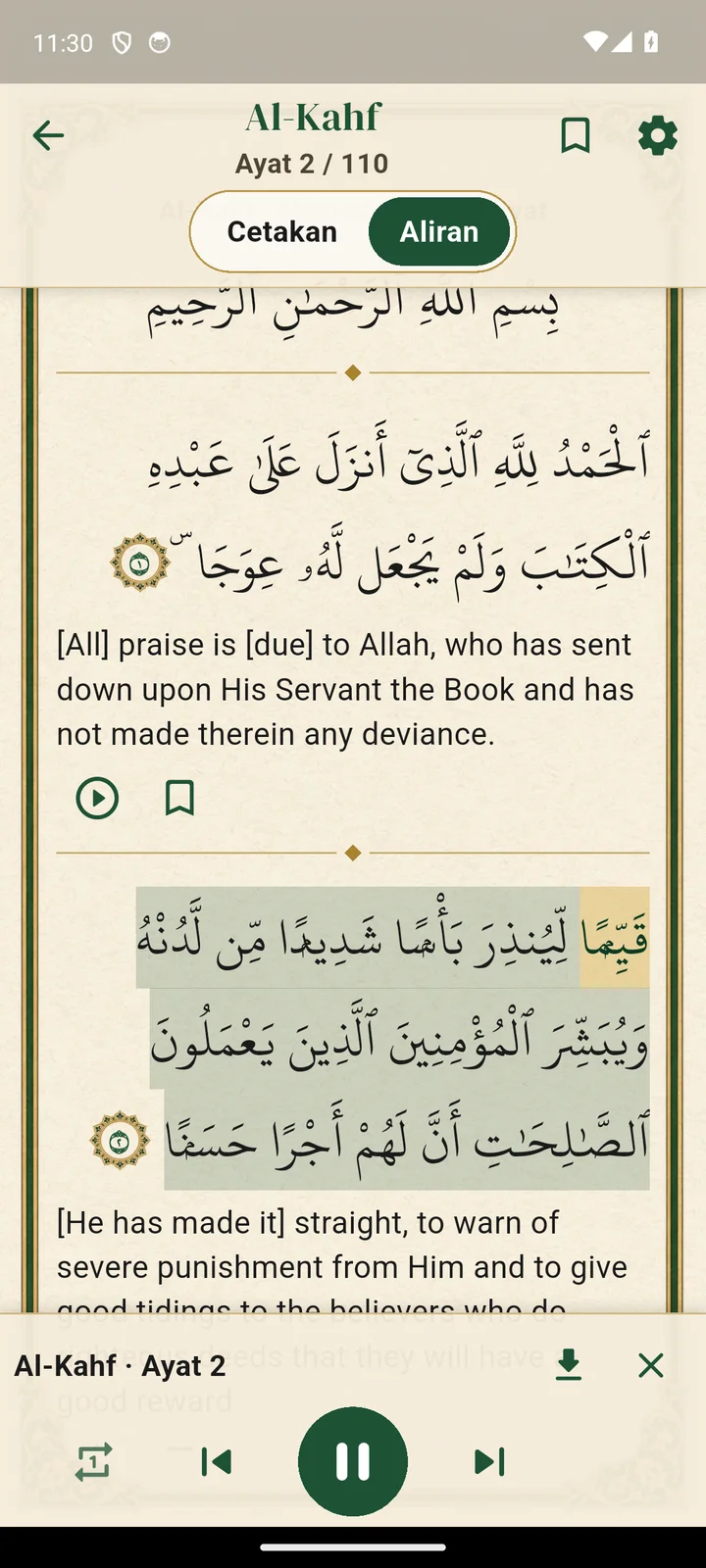
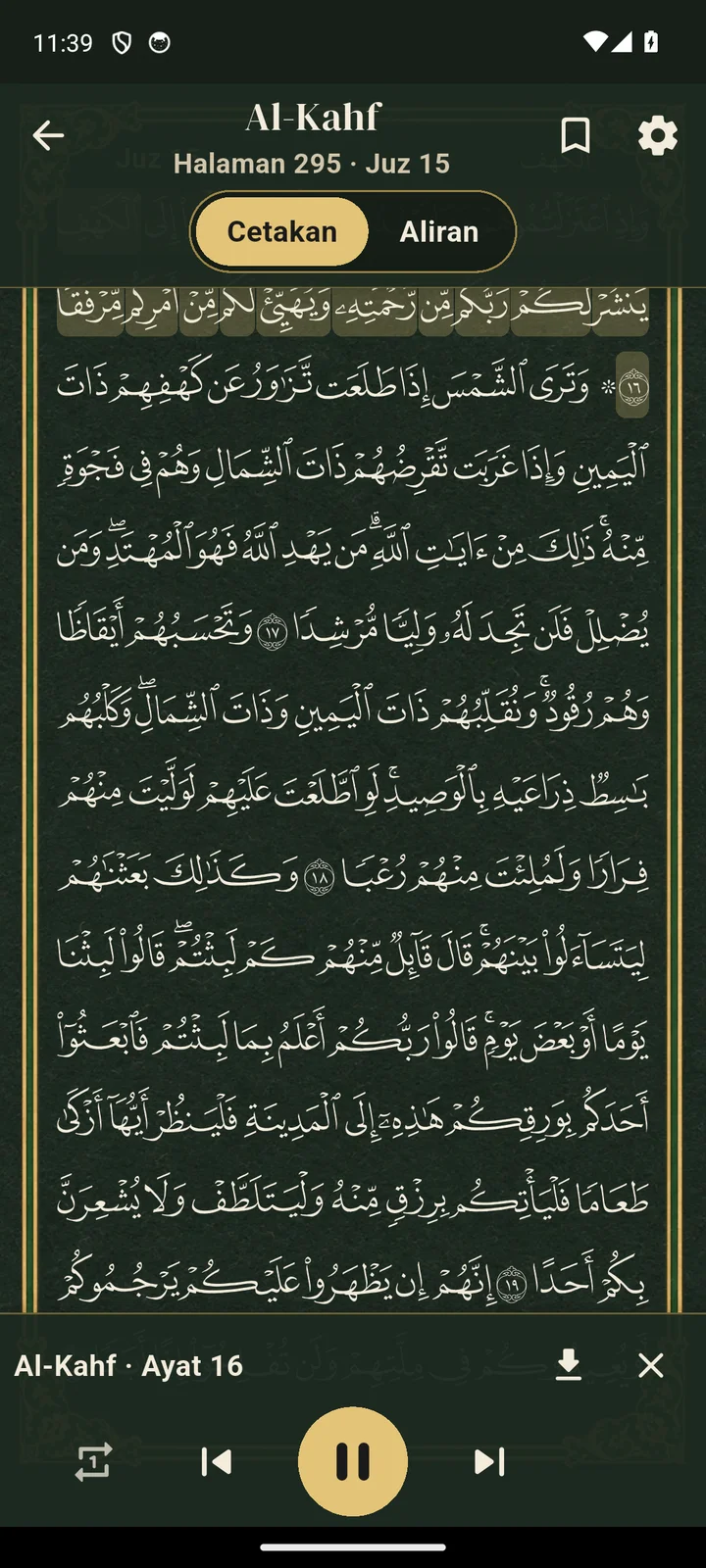
Print mode shows all 604 pages of the Madani mushaf, line by line exactly as printed. Flow mode gives you large text with a translation.

Qibla
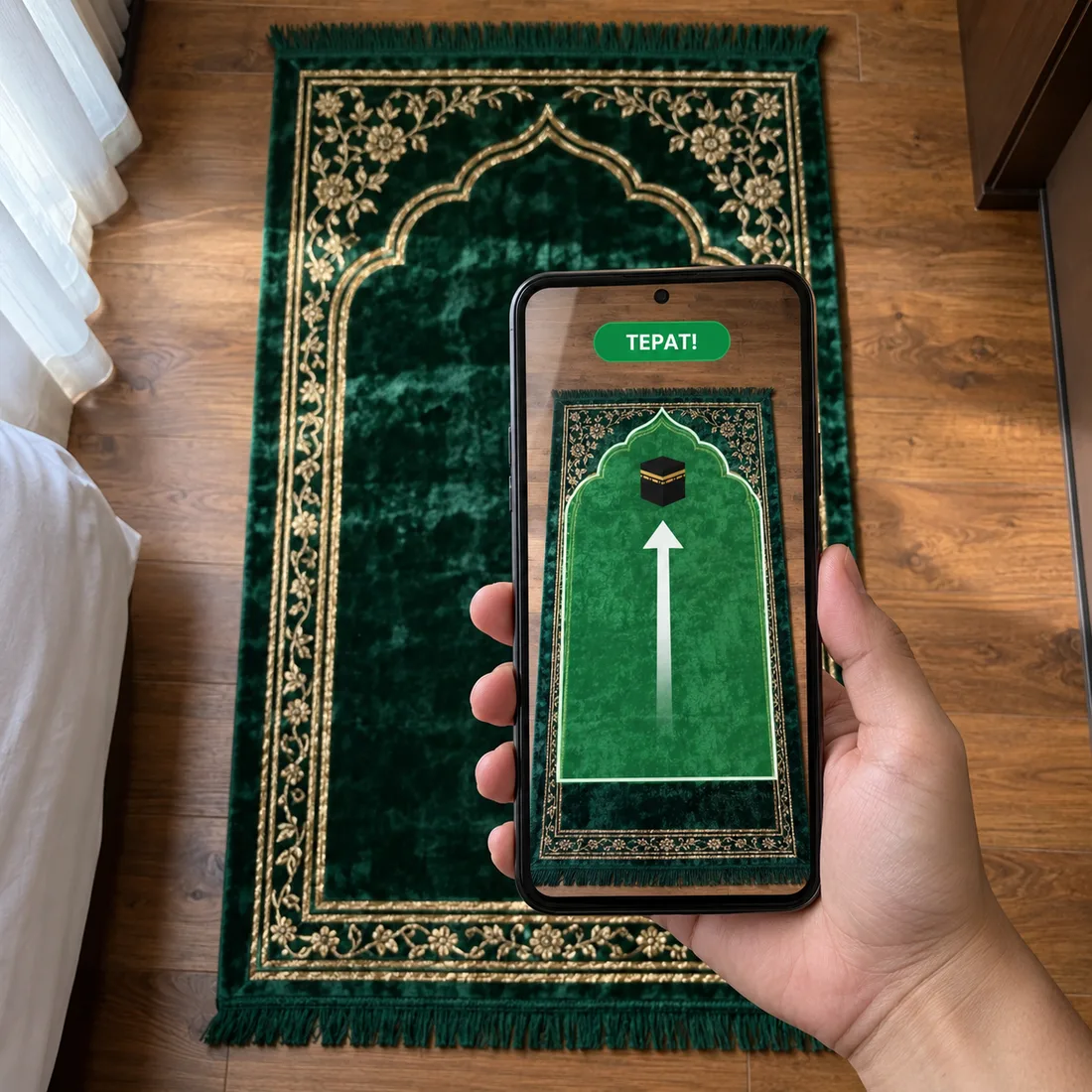
Open the camera and a prayer mat appears on your floor. Turn the phone until the mat points up. When it is right, the mat turns green and the phone vibrates.
There is also a compass and a satellite map with a line straight to the Kaaba.
Widgets
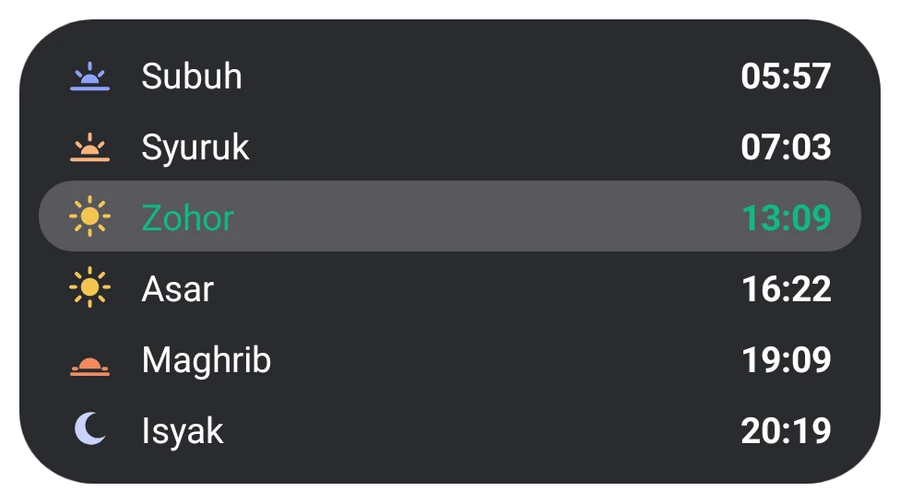
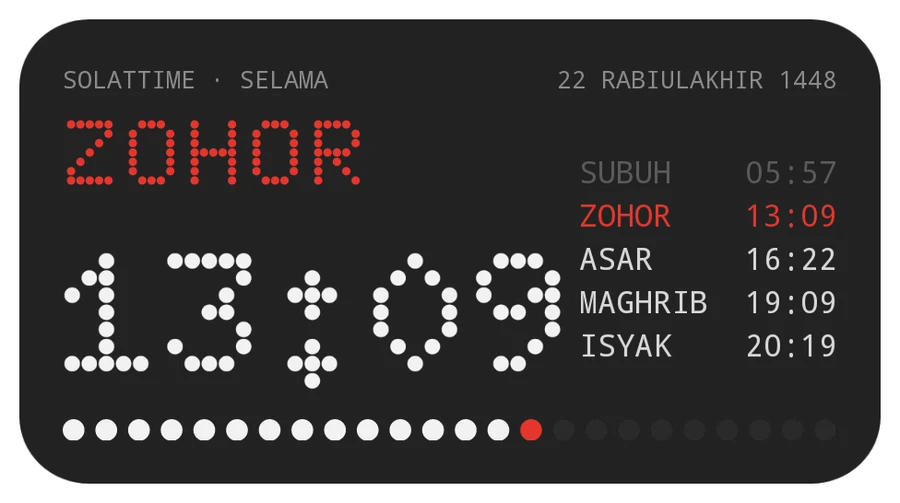
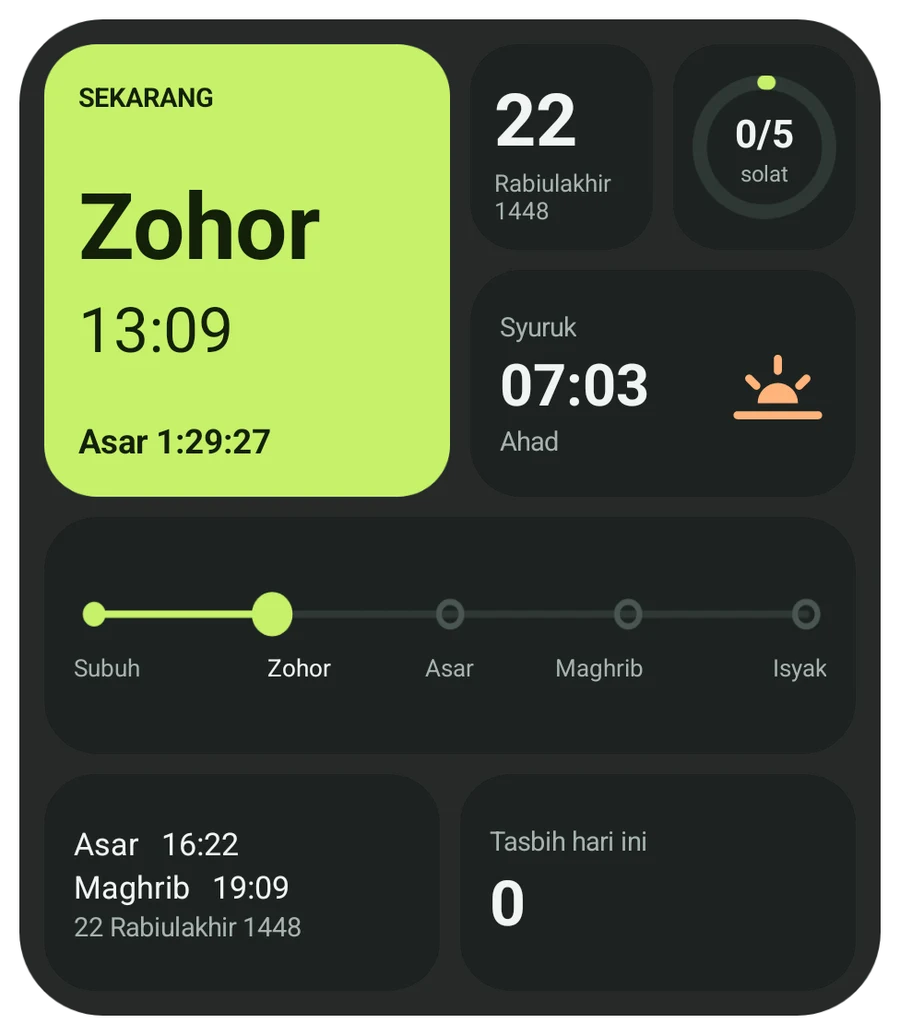
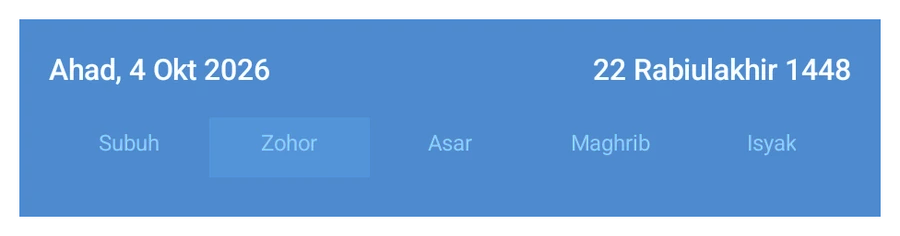
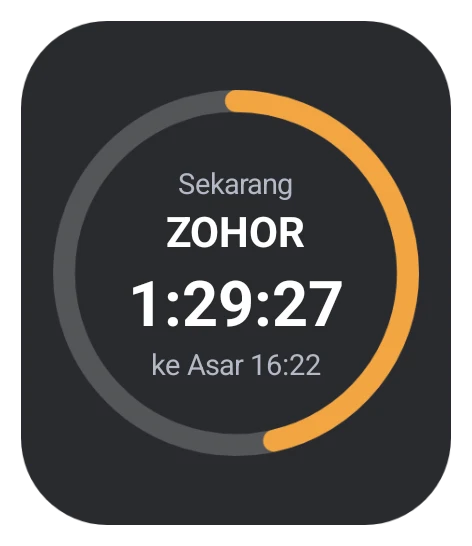
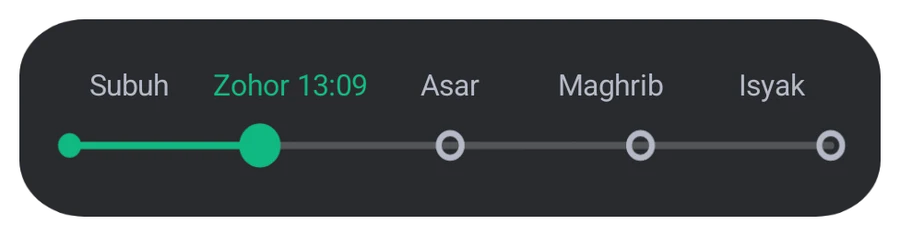
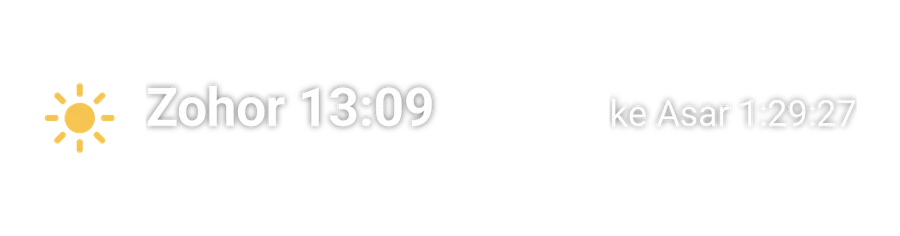
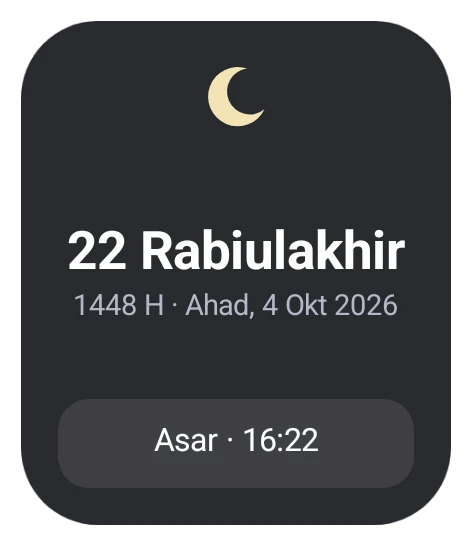
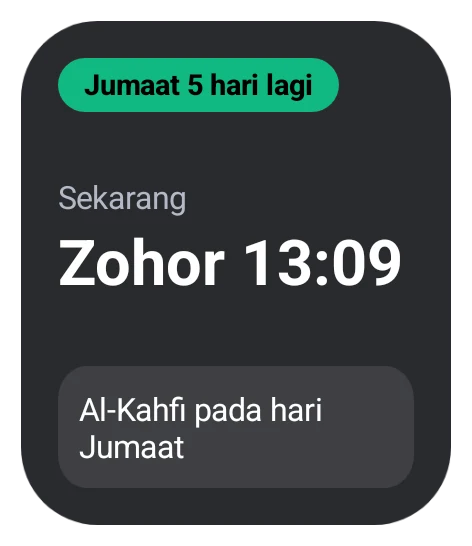
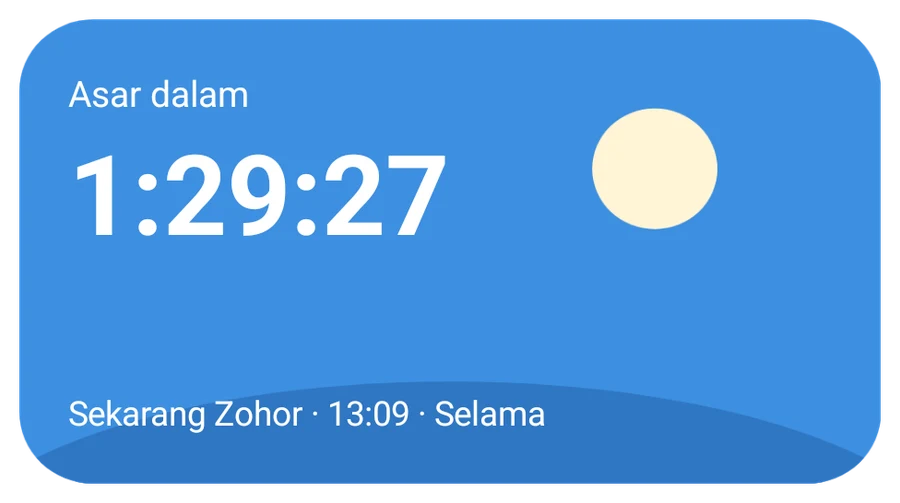
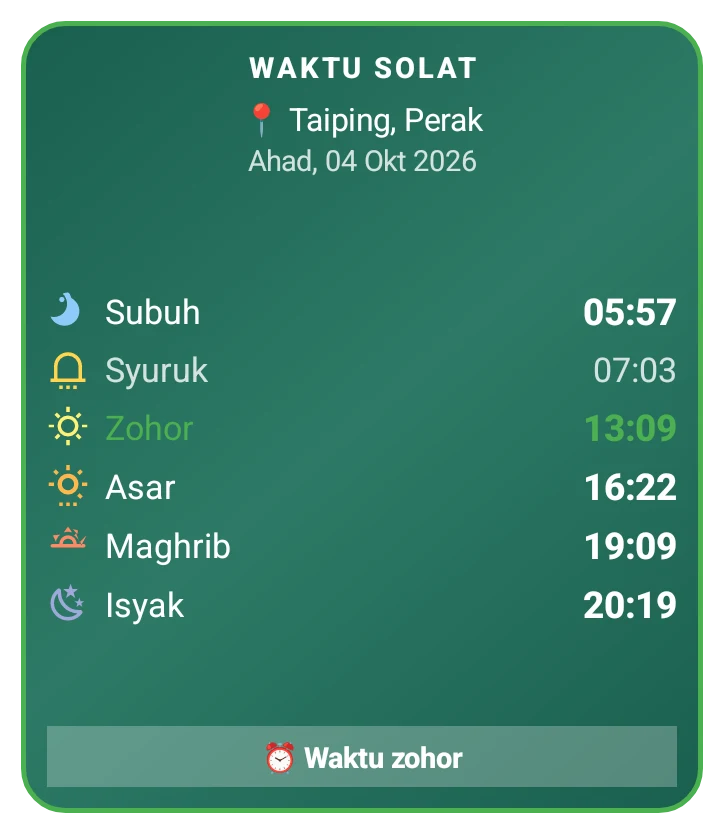
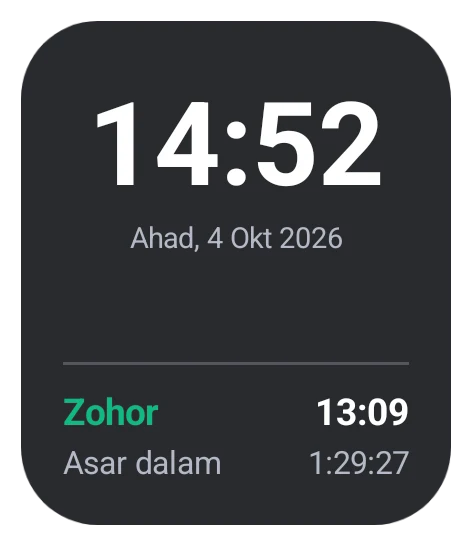
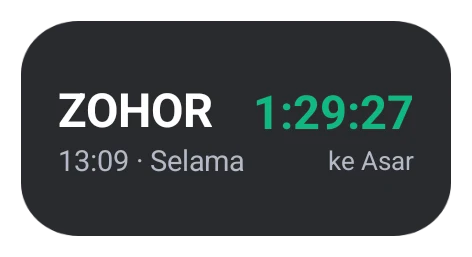
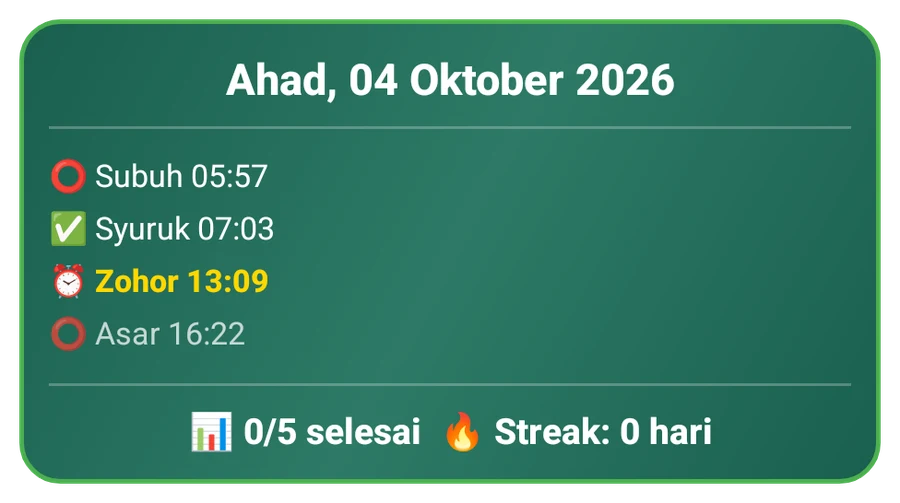
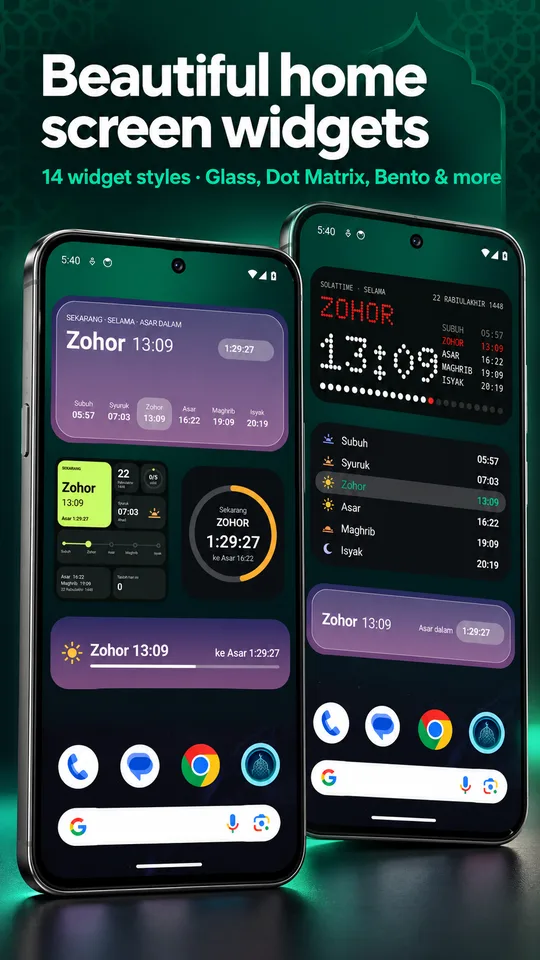
Glass, Dot Matrix, Bento, Ring, Editorial, Timeline, Hijri date and more. Every widget lets you change its style, colour, opacity and text size.


Tasbih
Tap anywhere on the screen and one bead slides down, just like moving a real tasbih. The phone vibrates every 33 counts.
Mark each prayer, keep your streak, see statistics and a calendar.
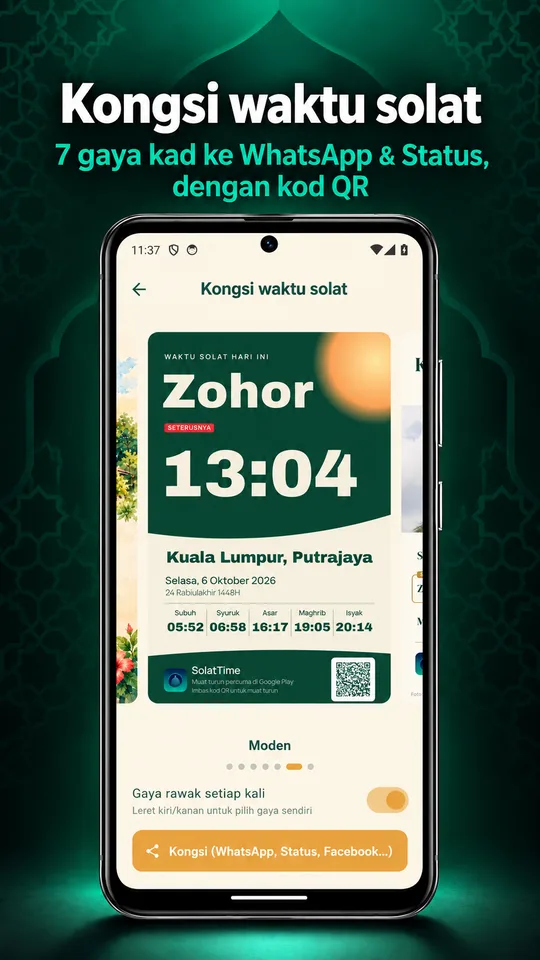
7 card styles for WhatsApp, Status and Facebook, with a QR code.
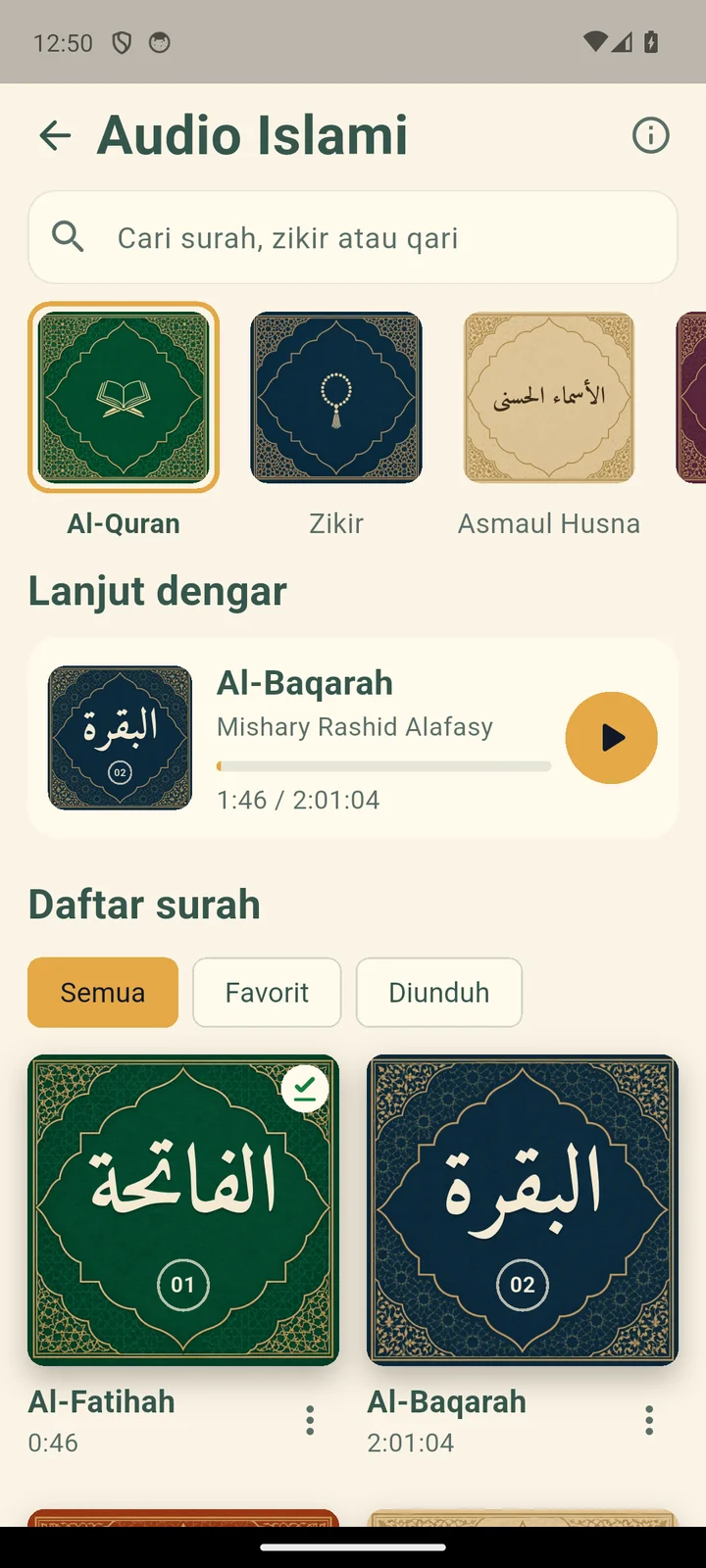
Quran recitation, dhikr and Asmaul Husna to listen to.
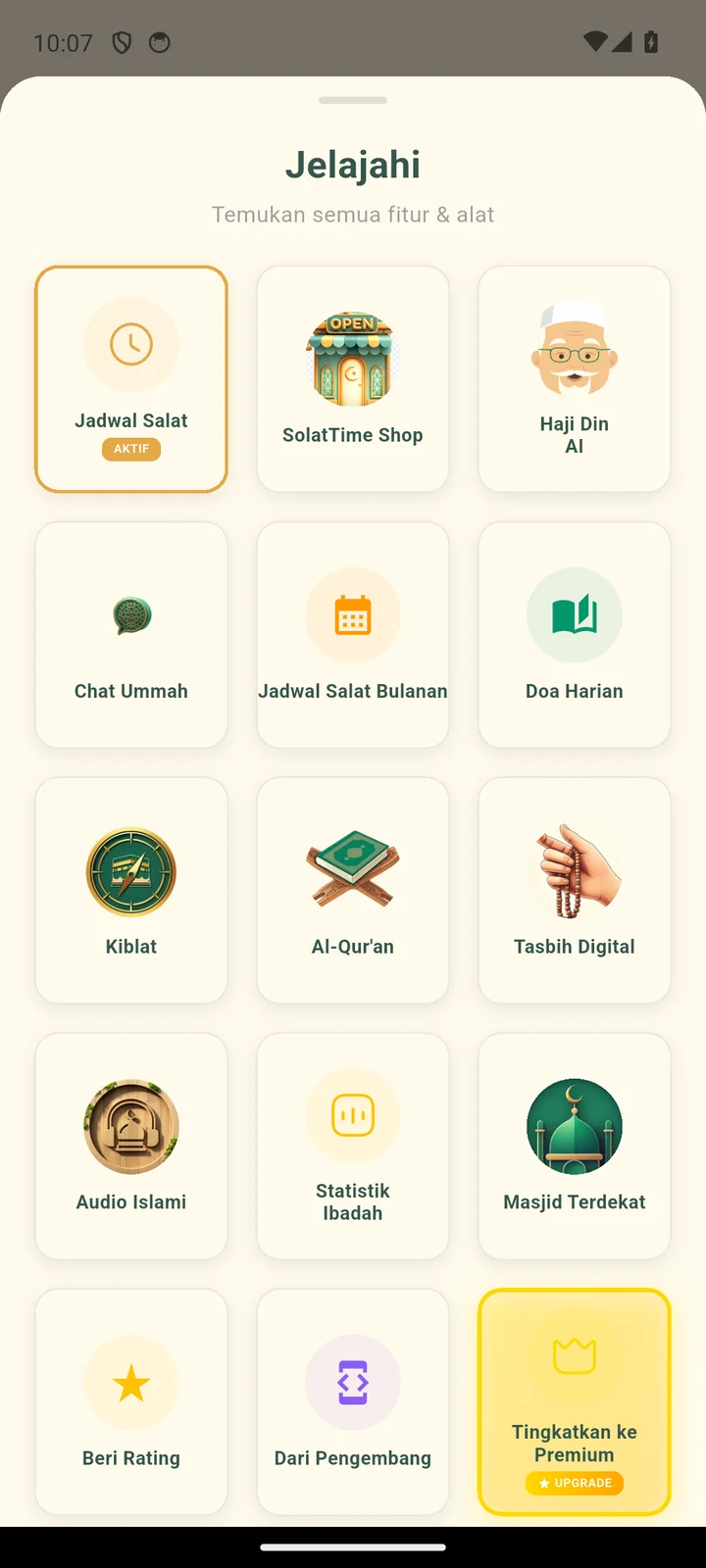
Ask Haji Din (AI), find nearby mosques, daily duas and Friday & Al-Kahf reminders.
Getting started

Free download from Google Play.

Malay, Indonesian or English.

Malaysia (JAKIM), Indonesia (Kemenag) or international.

So your zone and azan are always right.

Listen and choose a voice for each prayer.
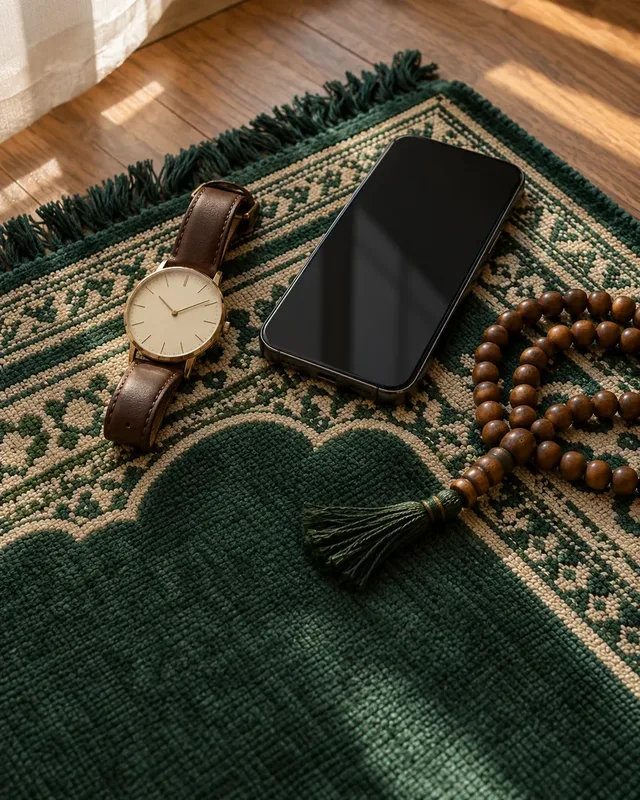
Before prayers, Fridays, sunnah fasts and special nights.

Your prayer times are ready.
What users say
sy suke apps ni. pilihan utk dgr bacaan alquran dah ada. kalau ada pilihan utk dgr terjemahannya pun best juga ni
alhamdulillah app da semakin baik waktu solat pown da diperbetulkan,
apps ni saya suka sesuai bg saya guna
alhamdulillah the bestt
Terima kasih ! Terbaik!
terbaik
Updates
Yes. In Malaysia SolatTime uses the official JAKIM e-Solat schedule for all 60 zones. A full year is stored on the phone, so it works without internet.
Yes. In Indonesia the app uses the official Kemenag schedule for 517 regencies and cities. Pick yours or follow GPS. The app is also available in Indonesian.
No. SolatTime picks the method by country: JAKIM in Malaysia, Kemenag in Indonesia, MUIS in Singapore and Muslim World League elsewhere. You can also choose from 13 methods, including Umm al-Qura for Makkah.
Yes. The azan is scheduled in the phone's system and plays even when the app is closed or the phone is locked. It follows the alarm volume and plays on the phone speaker.
Yes, free with no ads. An optional Premium plan adds extra features.
Wear OS watches such as Samsung Galaxy Watch and Pixel Watch. The watch app works on its own without the phone.
Free on Google Play. No ads.
 Onsell.My
 MySolat.My
 SolatTime